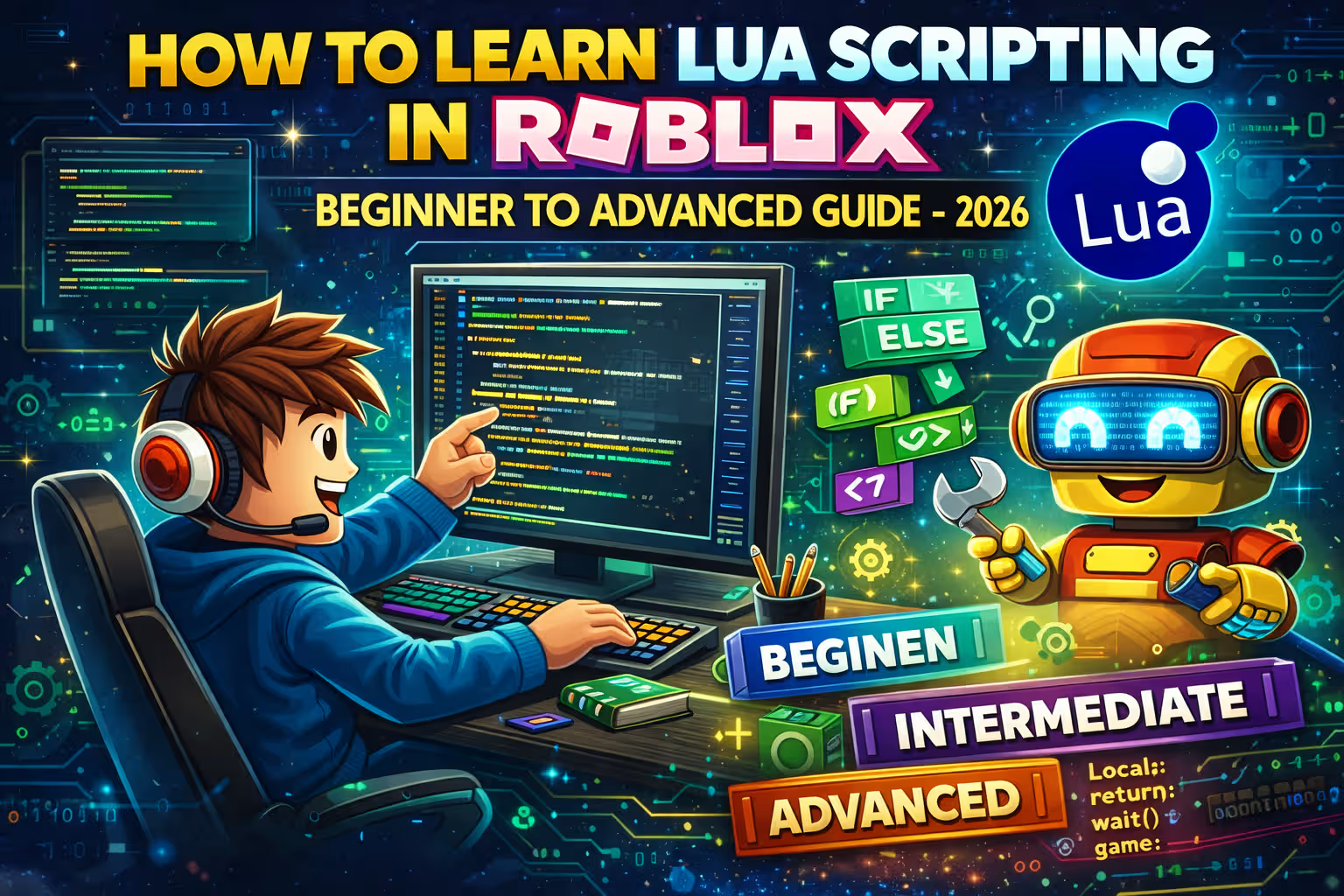
How to Learn Lua Scripting in Roblox (Beginner to Advanced Guide – 2026)
If you want to build your own games on Roblox, create interactive learning experiences, or teach kids real programming skills, then learning Lua scripting in Roblox is the most important step.
While building with parts and models inside Roblox Studio is easy, scripting is what gives your game intelligence. Lua controls movement, scoring, animations, quizzes, saving systems, and multiplayer logic.
Introduction
If you want to build your own games in Roblox, create interactive learning experiences, or teach kids real programming skills, learning Lua scripting is the most important step.
Roblox uses a beginner friendly programming language called Lua inside Roblox Studio. While building with parts and models is simple, scripting is what makes your game interactive and intelligent.
This complete guide will help you move from beginner level to advanced Lua scripting step by step.
What Is Lua in Roblox
Lua is a lightweight programming language used to control behavior inside Roblox games. Roblox uses a customized version designed specifically for game development.
With Lua scripting you can create scoring systems, build quizzes, detect player actions, design learning challenges, and save player progress.
Step One Install Roblox Studio
- Open Roblox
- Click Create
- Download Roblox Studio
- Open a new Baseplate project
Roblox Studio is where you write and test your Lua scripts.
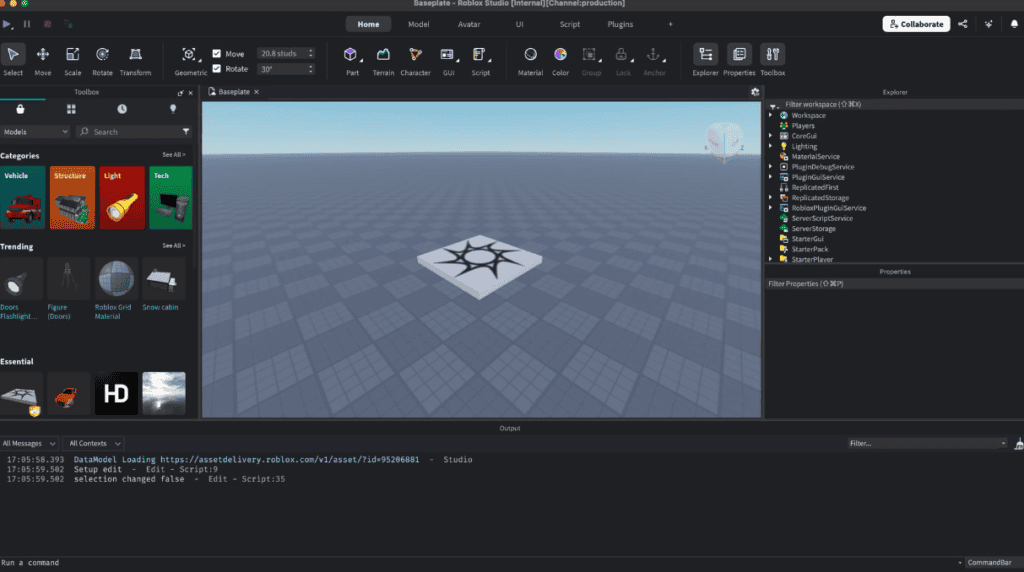
Understanding Roblox Studio Layout
- Explorer panel shows all objects in your game
- Properties panel shows settings for selected objects
- Script editor is where you write Lua code
- Output window shows errors and print messages
Your First Lua Script
- Right click ServerScriptService
- Select Insert Object then Script
- Replace default text with the code below
print("Welcome to my Roblox game!")Click Play and check the Output window. You just wrote your first Lua program.
Basic Lua Concepts Every Beginner Must Learn
Variables
local playerName = "Alex"
local score = 100
local isWinner = true
Variables store information such as names and numbers.
Functions
local function greet()
    print("Hello and welcome!")
end

greet()
Functions allow you to organize and reuse code.
If Statements
local score = 75

if score >= 50 then
    print("You passed")
else
    print("Try again")
end
If statements help you create logic in quizzes and reward systems.
Loops
for i = 1, 5 do
    print(i)
end
Loops repeat actions and are useful for timers and repeated effects.
Beginner Project Create a Color Changing Block
Insert a Part into Workspace and add a Script inside it. Then paste this code.
local part = script.Parent

part.Touched:Connect(function(hit)
    part.BrickColor = BrickColor.Random()
end)
When a player touches the part, it changes color. This is your first interactive system.
Understanding Events in Roblox
game.Players.PlayerAdded:Connect(function(player)
    print(player.Name .. " joined the game")
end)
This script runs whenever a player joins your game.
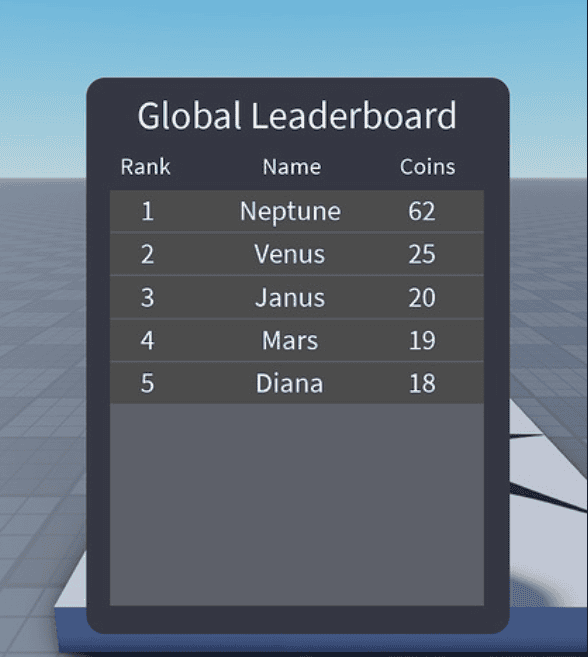
Creating a Simple Leaderboard
game.Players.PlayerAdded:Connect(function(player)
    local leaderstats = Instance.new("Folder")
    leaderstats.Name = "leaderstats"
    leaderstats.Parent = player

    local score = Instance.new("IntValue")
    score.Name = "Score"
    score.Value = 0
    score.Parent = leaderstats
end)
This creates a visible score for every player.
Intermediate Lua Concepts
Tables
local questions = {
    "What is 2 + 2",
    "What is 5 x 3",
    "What is 10 - 4"
}

print(questions[1])
Tables store multiple values and are useful for quizzes and learning systems.
Remote Events
Remote events allow communication between server scripts and local scripts. They are important for multiplayer games and interface buttons.
Advanced Lua Systems
Saving Player Data
local DataStoreService = game:GetService("DataStoreService")
local dataStore = DataStoreService:GetDataStore("PlayerData")
This system saves player progress such as scores and completed lessons.
Module Scripts
local mathModule = {}

function mathModule.add(a, b)
    return a + b
end

return mathModule
Modules help you organize large projects and reuse code efficiently.
Smart Learning Plan
Week one focus on basics such as variables and loops.
Week two build small mini projects.
Week three learn interface scripting and multiplayer communication.
Week four build a complete learning game with progress saving.
Common Beginner Mistakes
- Forgetting to close statements with end
- Placing scripts in wrong location
- Ignoring error messages
- Copying code without understanding
Why Learning Lua in Roblox Is Valuable
Lua scripting teaches logical thinking, debugging skills, and real programming structure. These skills can transfer to languages like Python and JavaScript.
Frequently Asked Questions
Is Lua hard to learn
No. Lua is beginner friendly and easier than many programming languages.
How long does it take to learn Roblox scripting
Basic skills can be learned in two to four weeks with consistent practice.
Is Roblox good for learning programming
Yes. It combines creativity with real coding experience.
Conclusion
Learning Lua scripting in Roblox is one of the best ways to start programming. Begin with small projects, practice daily, and gradually build larger systems. With consistency, you can move from beginner to advanced Roblox developer.
Loved this guide? For more tech insights, roblox gaming tips, and the ultimate gaming guide, visit BestBuyGuides.in!